How to choose the right smart lock for your properties



Managing a vacation rental or multifamily property means managing dozens of moving parts. From guest or resident check-ins to maintenance schedules and amenity access, property managers have a lot to track.
Smart locks can simplify the job, but choosing the right one isn't always straightforward. The right lock for your needs depends on location, usage, and how it connects to your existing systems. Here are the key questions to ask when selecting a smart lock for your property.
How is the door used?
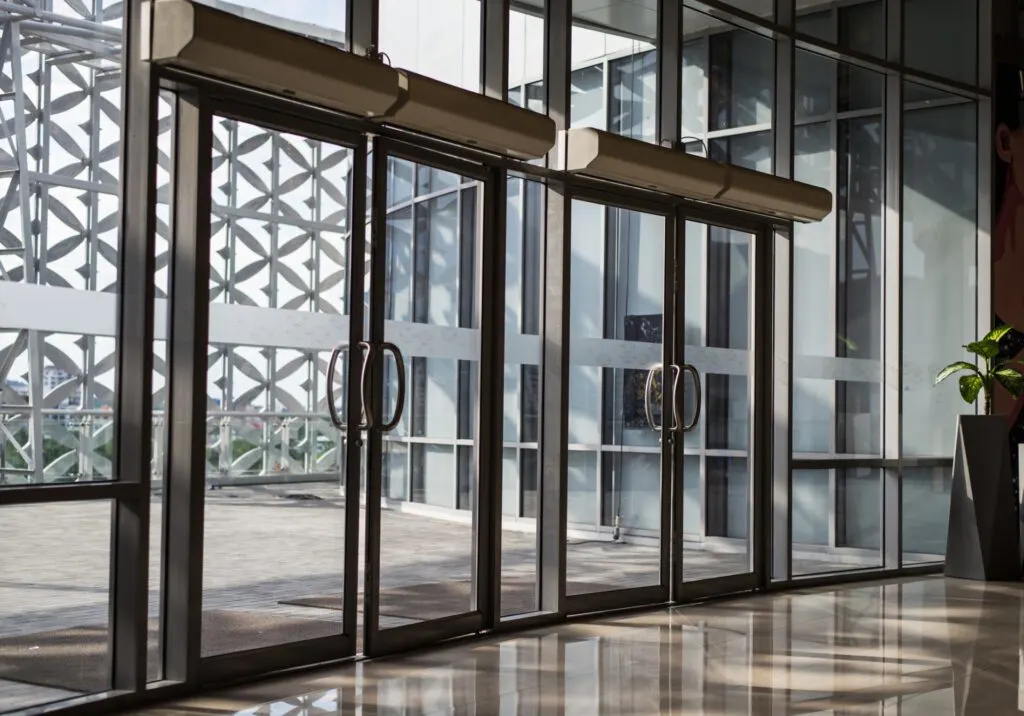
First, consider the role the door plays in your property. Is it the main entry for a unit? A shared door for a fitness room or pool? A supply closet or maintenance room? Different doors require different solutions:
- Unit doors: Often require standard smart locks that support moderate credential capacity and easy turnover.
- Common area doors: Need robust locks that accommodate high traffic and frequent credential updates.
- Glass doors: May require locks with specialized mounting hardware or separate keypad options.
- Gates and exterior entrances: Must be weather-resistant and durable for outdoor use.
- Wired doors: Typically part of existing hardwired systems and may benefit from retrofitted compatibility.
- Interior doors: Often simpler, but still benefit from tracking and credential control.
- Utility closets and storage rooms: Require secure access and centralized control, even if traffic is low.
- Elevators, garages, and amenity spaces: Benefit from advanced scheduling and bulk credential management.
Understanding how the door is used helps narrow down the feature set and durability requirements.
What kind of hardware do you need?
The physical characteristics of the door matter. Start by asking:
- Is the door indoors or outdoors? Exterior doors may need weatherproof hardware to ensure that they remain secure even when exposed to sun, rain, snow, and even salt water.
- Do you want to replace the existing lock or keep the current deadbolt? Some locks can be placed over the existing interior deadbolt, leaving the exterior keyhole unaltered.
- Does the door have space for a mortise lock? Does it have just one hole for a handle or knob, or does it have a second hole for a dedicated deadbolt?
- Is it a glass door, wired door, or a door that might require a separate keypad?
Choosing the right lock also means understanding how it will be installed. Some locks are designed to fully replace existing hardware, while others mount over what’s already there. Certain use cases — like glass or wired doors — call for purpose-built models or alternate keypad configurations. Knowing your property's layout and infrastructure will guide your selection.
Stay ahead on multifamily access control
Get insights on NOI, resident experience, and operational efficiency delivered to your inbox.
Is managed Wi-Fi available at the door?
Connectivity plays a major role in determining which smart lock is right for your door. Here are some key considerations:
- Managed Wi-Fi: If your property offers consistent and secure managed Wi-Fi at the door, a Wi-Fi-enabled lock offers the most robust features. These locks support real-time updates, remote locking and unlocking, and instant activity tracking from anywhere. However, they require a reliable signal and regular battery checks, as connectivity can increase power consumption.
- Bluetooth/Offline: Bluetooth locks offer localized, device-to-lock communication. They're ideal for properties where internet access isn't guaranteed at every door. These locks often pair with a mobile app and can still provide strong access control, though updates sync only when the device comes within range.
- Z-Wave: These low-energy locks communicate through a Z-Wave hub, which can then be connected to the internet through a hardwired ethernet connection or through Wi-Fi. Z-Wave has better range and lower power consumption than Wi-Fi, making it particularly efficient for multifamily buildings or vacation rentals with large campuses where Wi-Fi is impractical.
Understanding your property's network capabilities will help determine whether real-time access management, hub-based control, or offline operation is the best fit.
What credentials do you want to use?
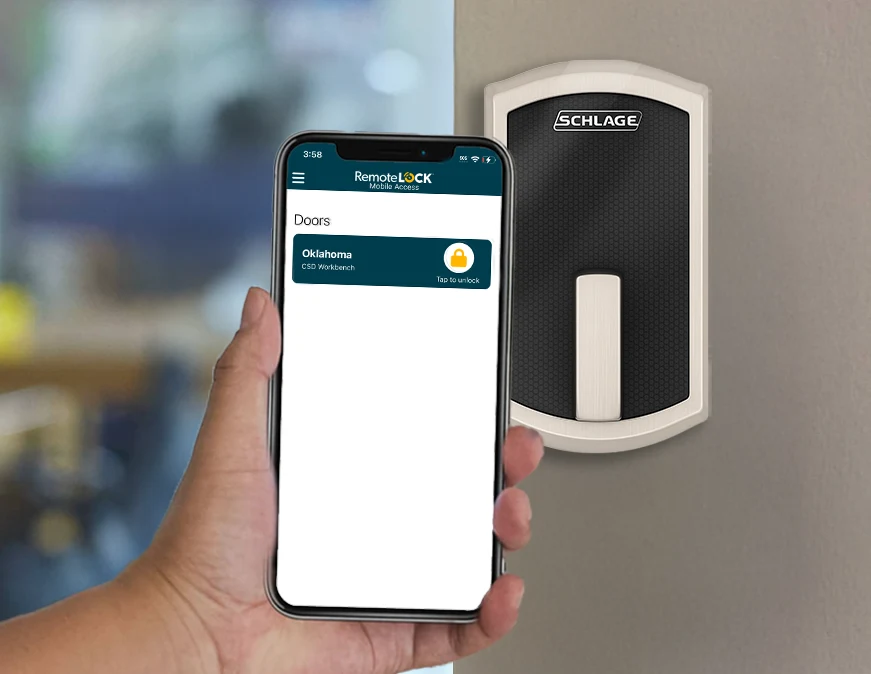
Credential type can shape the user experience and operational workflow. Each comes with its own set of benefits:
- Remote unlock: These cloud-based solutions let users unlock doors via a smartphone app. They're ideal for staff, long-term residents, or repeat guests who want streamlined access. App-based credentials can be updated in real-time and monitored for usage data.
- Mobile credentials: Leveraging Bluetooth technology, mobile credentials offer proximity-based access. These can be assigned to phones, smartwatches, or Bluetooth fobs and are particularly useful in offline or low-connectivity environments. They offer a secure, convenient option without requiring internet access.
- PIN codes: Simple and widely adopted, PIN codes can be time-bound or event-based, making them perfect for vacation rentals or turnover-heavy units. They allow for easy distribution, remote revocation, and no need for physical handoff.
- Physical credentials: RFID cards, key fobs, stickers, or even wearable devices can serve as durable and trackable access methods. These are often preferred in multifamily settings, especially for common areas or resident amenities, offering quick tap-and-go access without needing a smartphone.
RemoteLock also allows you to mix these credential types across your portfolio. Unit doors might be equipped with app unlock or mobile credentials, while amenities use access codes. Choosing the right mix of credentials depends on how often users change, how tech-savvy they are, and how much control you need over access permissions and activity logs.
How many people are using this entry point?
Volume matters. A unit door might need to support a handful of users at a time, while a lobby or amenity space might need to support thousands.
- How many users need access at once?
- How often do those users change?
Common areas benefit from locks that support a high number of users and flexible schedules. Unit doors may prioritize simplicity and reliability. It’s also important to check how many codes a given lock can support — some can store hundreds of codes, while others can store tens of thousands.
Do you need to integrate with property management software?
If you already use a property management system, integration is essential. Look for locks and access control software that offer compatibility with your existing tools.
RemoteLock integrates with more than 50 leading platforms, allowing you to automate access code creation, update credentials based on bookings or leases, and centralize access across all your properties. That means fewer manual tasks and more time to focus on growing your business.
See RemoteLock in action
Talk to an expert and get a personalized demo for your property type.
Finding Your Locks
Once you’ve chosen the right locks for your doors, there are many options for purchasing and installing locks. Locks can be purchased from online retailers and hardware stores, and many locks are designed to be easily installed by laypeople — if you only have a few locks to install, it might be quickest and easiest to do them yourself.
For large numbers of doors or more complicated installations such as mortise locks, wired locks, and external keypads, it’s better to employ the services of a professional. In some cases, installers can also source the locks for you or secure a discount on large orders.
You can also purchase locks directly from RemoteLock’s US store or UK store, or you can contact one of our certified dealers. National dealers, like GoKeyless, can help you find the right locks, source them in large quantities, and even have a network of contractors to install large numbers of locks across your portfolio of properties.
How to get started with RemoteLock after your locks are installed
Once you’ve purchased and installed your locks, getting started with RemoteLock is simple. The platform walks you through device setup, so you can assign access permissions, configure schedules, and connect your locks to your property management software — all from a centralized dashboard.
Whether you’re managing thirty doors or hundreds, RemoteLock helps ensure your system is secure, consistent, and easy to scale. For portfolios with multiple properties, door groups and bulk access tools streamline operations even further. And if you need support, our team and partners are ready to help with onboarding, training, and advanced configuration.

RemoteLock has been automating access control and improving on-site property operations efficiencies across multiple industries, including vacation rental and multifamily, for more than ten years. As a leading access-centered property operations software platform provider with more than 10,000 customers in 75+ countries, RemoteLock helps property managers enable, control, and automate access and climate control across their portfolio. RemoteLock’s platform saves property managers time and money through the elimination of tasks for onsite staff and helps scale businesses with greater confidence. It is differentiated by its dozens of integrations with applicable hardware and business software systems for an easy-to-use, turn-key solution.
Access that Works Everywhere
One flexible platform built to support modern properties, no matter who needs access or how your portfolio scales

Interested in learning more?
Explore blogs, webinars, and videos related to what you just read

When the internet drops, your guest still needs to get in
The maintenance request that never gets logged
Access that matches the schedule, not the other way around