Access control built for commercial properties
RemoteLock connects smart locks, credentials, and your business software into one platform — so you control who gets in, where, and when, across every location you manage.
Whether you're securing a single facility or a portfolio of sites, RemoteLock helps operations teams enforce access policies, eliminate unauthorized entry, and manage credentials without being on-site.
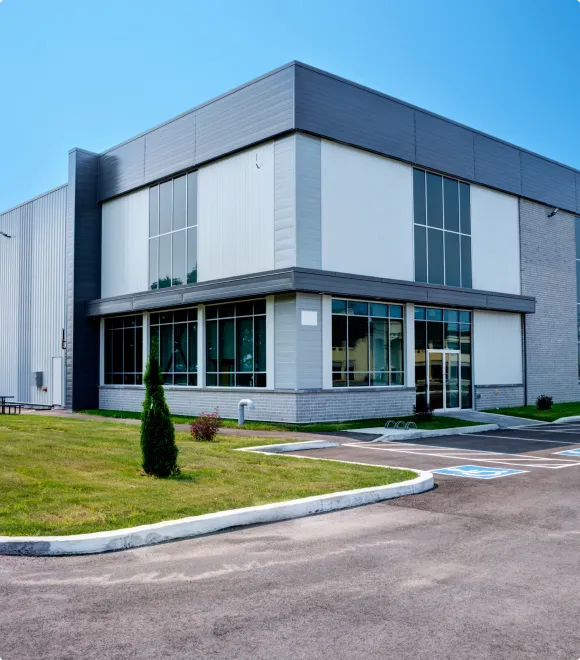


Designed around how commercial teams actually work
Control who has access, enforce it automatically, and manage every site without being on the ground.

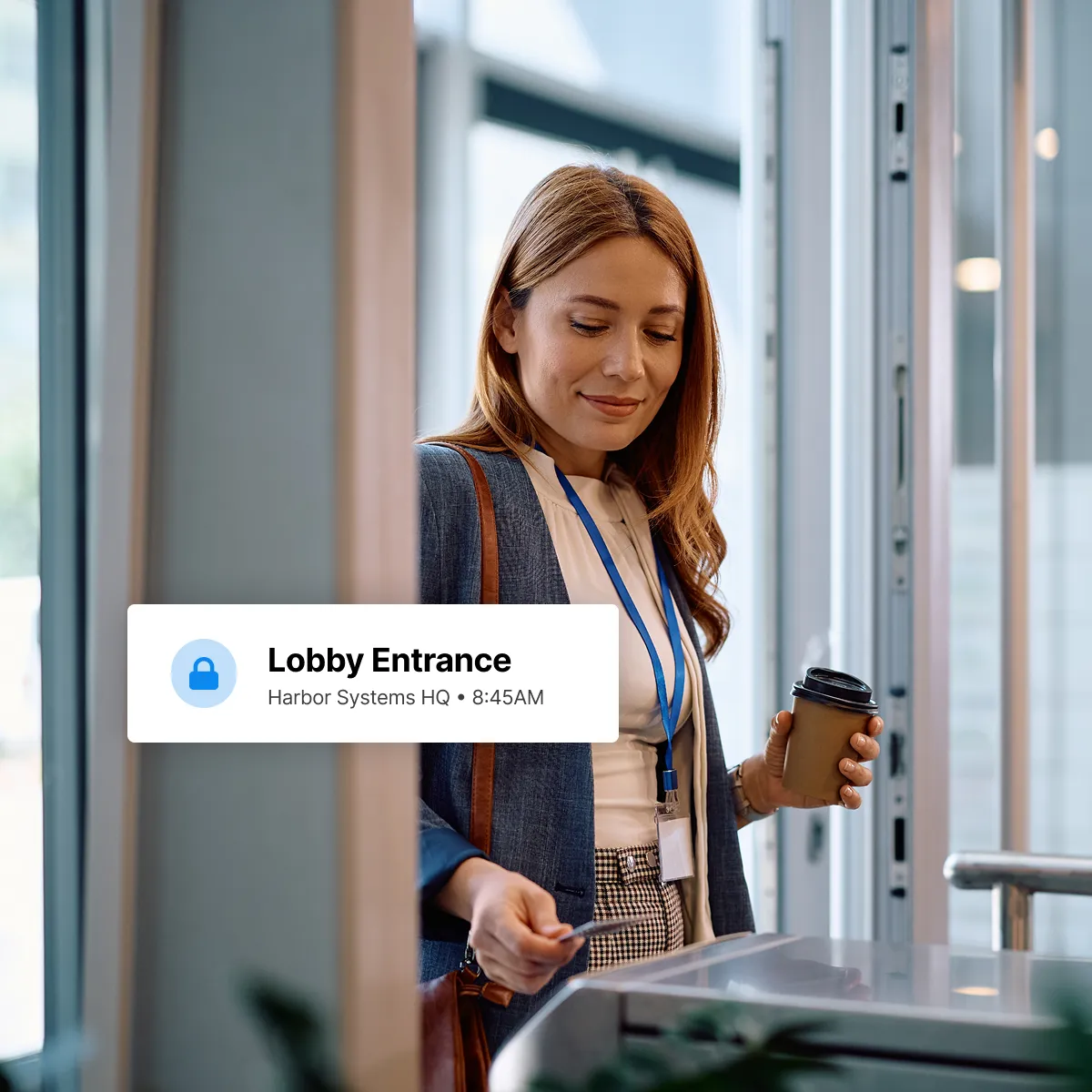
No more chasing down credentials
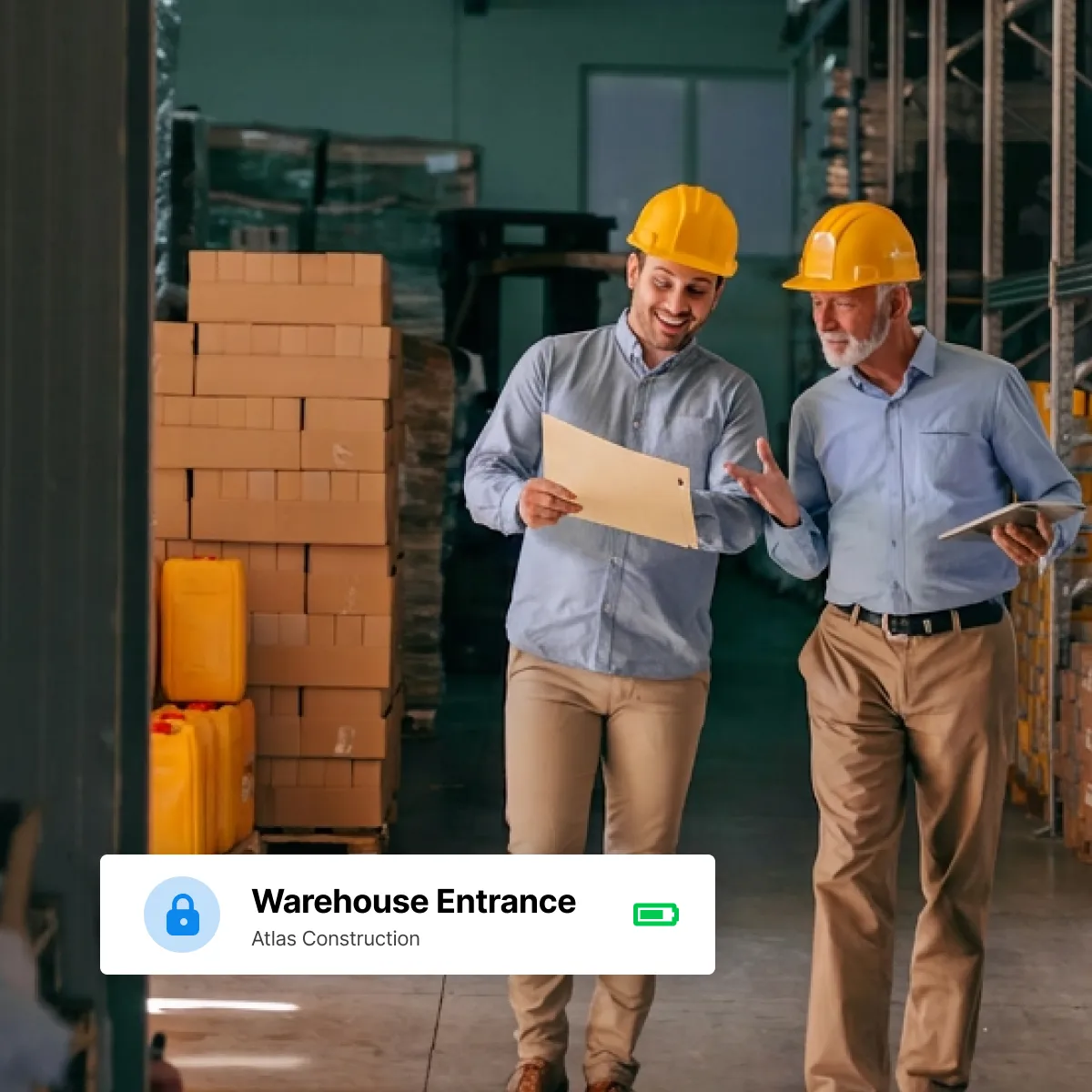
When someone's role changes or their shift ends, access changes with it. No keys to collect, no codes to manually revoke, no security gaps in between.

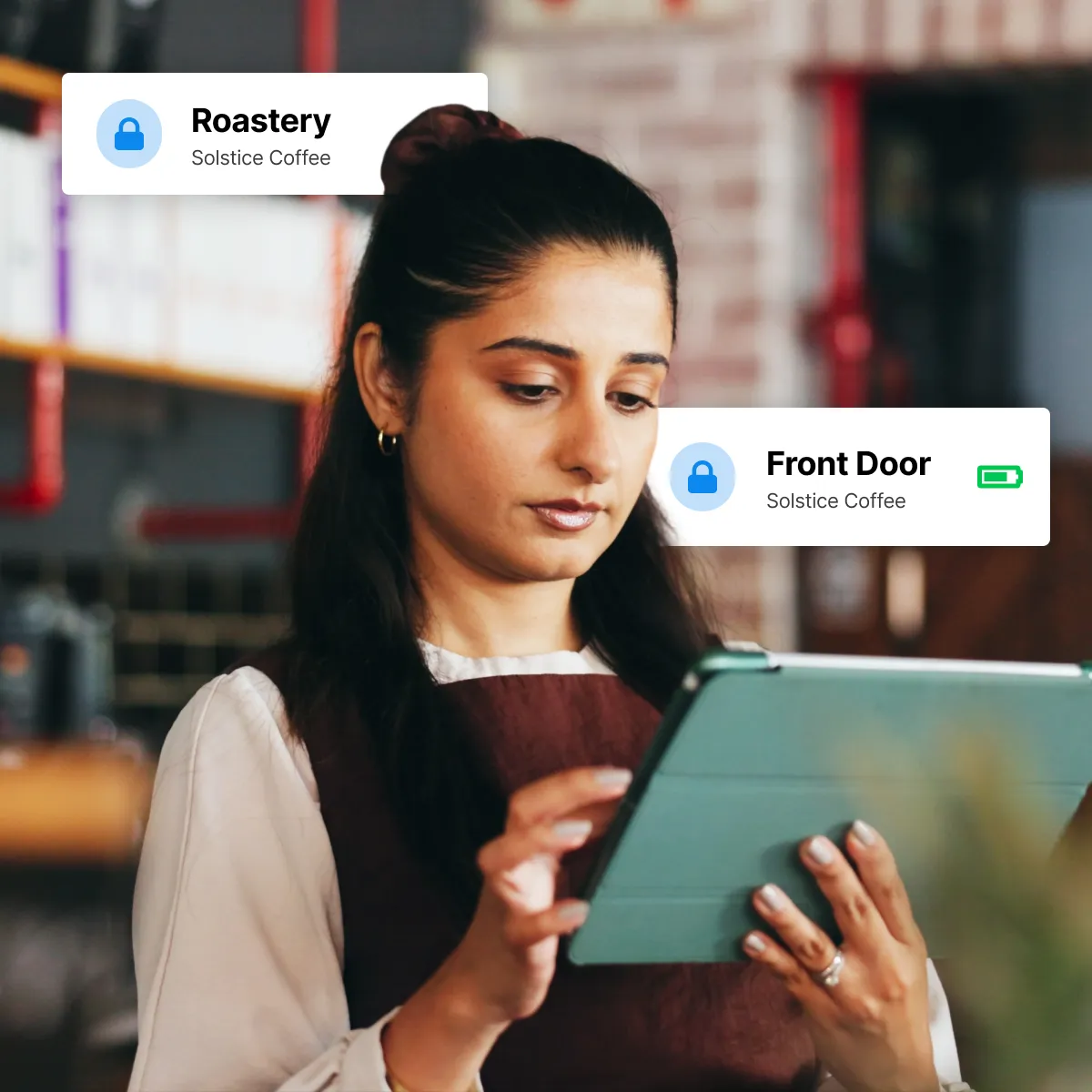
Every location, one platform
Stop managing separate systems for separate sites. RemoteLock gives your team a single place to oversee access across your entire footprint as it grows.

Precise permissions for every person
Employees, contractors, vendors, and visitors each get access that fits exactly what they need — and nothing they don't.

Save time and money with smarter access control


Access beyond the lock
Expand your access control by connecting RemoteLock to the software you already use. Add automatic credential provisioning, visitor management, scheduling, maintenance workflows, and more.








The RemoteLock
Dashboard
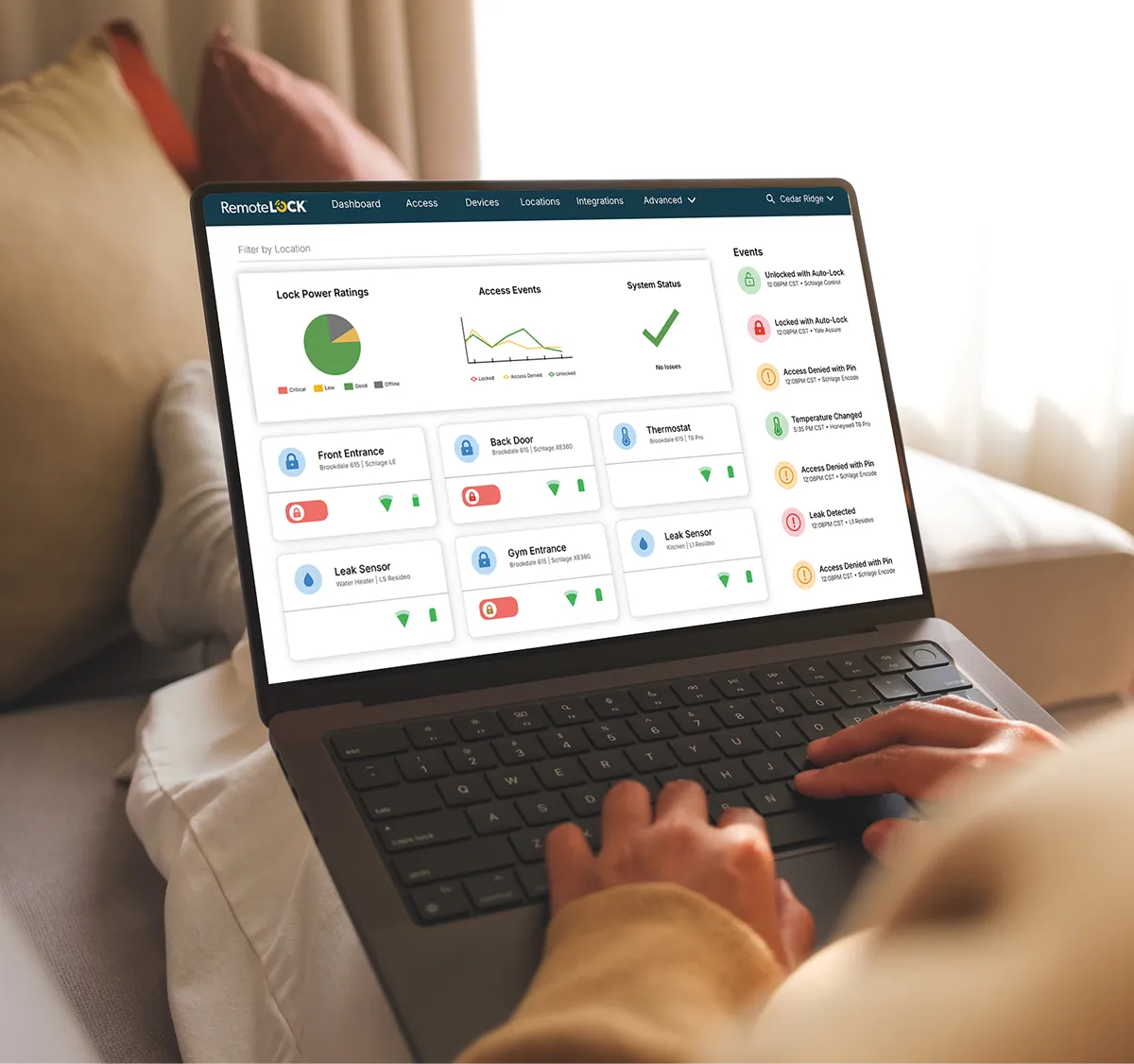
One place to manage every door, credential, and access event across your entire operation. The RemoteLock dashboard gives your team full visibility and control — from any device, anywhere.


Virtual Intercom
Give your team a smarter way to manage visitor entry — no front desk required. Virtual Intercom lets vendors, contractors, and delivery personnel identify themselves at the door before access is granted, replacing expensive intercom panels with a fully software-based experience that works with your existing hardware.
Protect your properties and your peace of mind
Thermostats
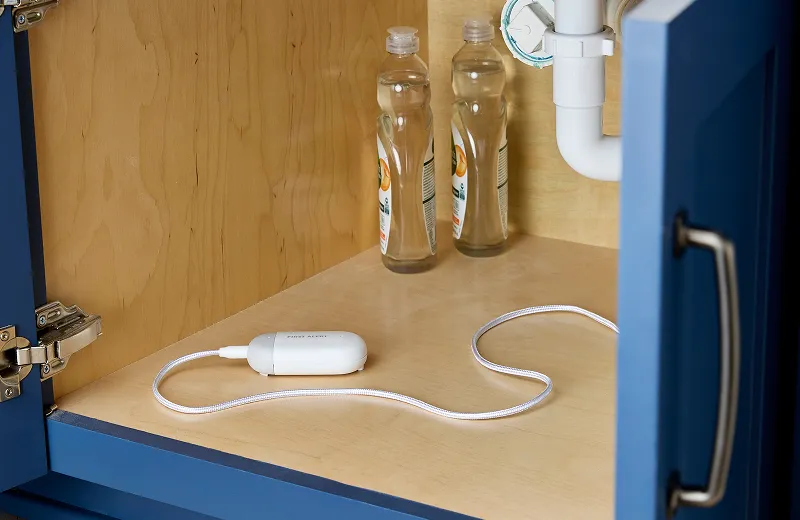
Water leak detection
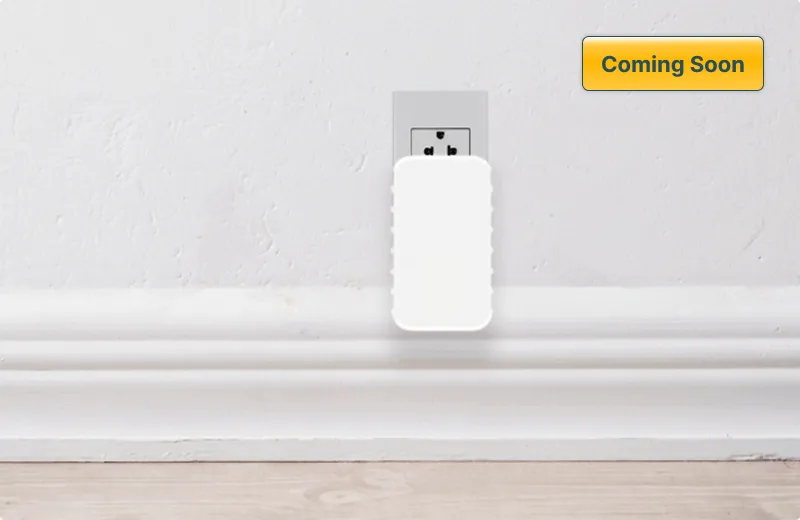
Noise and smoke detection



Looking to Partner?
View our White Label, API, and Dealer, Hardware and Software Partnership Opportunities


Commonly asked questions
Managing access across commercial properties comes with its own challenges, from securing sensitive areas to making sure the right people can get in at the right times.
It depends on your residents and your property. PIN codes are a reliable, keyless option for unit doors. Key fobs work well for high-traffic common entrances. Mobile credentials let residents use their phone as a key — convenient, but worth considering alongside battery life and connectivity. Many modern locks support more than one credential type, so you don't have to choose just one.
It depends on your security needs and how your team operates. Key cards and fobs work well for high-traffic main entrances. PIN codes are a reliable option for interior offices and storage areas. Mobile credentials let employees use their phone to access doors, convenient for larger teams and easy to manage remotely. RemoteLock supports all of these, and you can mix and match across locations and door types.
Yes. RemoteLock lets you assign time-based access so employees and contractors can only enter during their authorized hours. When a shift ends or a contract expires, access stops automatically with no manual intervention required.
Yes. RemoteLock is built for multi-site operations. Whether you're managing two offices or dozens of facilities, everything is visible and controllable from a single dashboard with no switching between systems or logging into separate accounts.
Yes. You can create different permission levels for different users, so a regional manager might oversee multiple sites while a facility manager only sees their own building. Everyone gets the access they need without seeing information that isn't relevant to them.
Immediately. From your dashboard or mobile device, you can revoke a credential in seconds the moment an employee is offboarded or a contractor's work is complete. No keys to collect, no codes to manually change.
Physical keys leave no audit trail and can be copied or passed on without your knowledge. RemoteLock replaces them with credentials tied to specific people, schedules, and doors. You get a full log of every access event across every location, real-time alerts for unusual activity, and the ability to respond instantly from anywhere.

Learn more about commercial
Explore our blogs, whitepapers, webinars, and other resources