What are backup pins, and why do they matter?



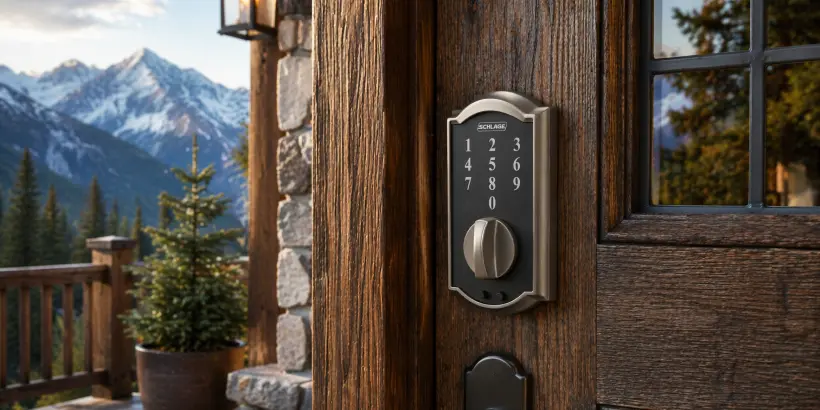
It's a scenario every property manager dreads: a guest arrives after a long day of travel, walks up to the door, and their access code doesn't work. The lock is offline, the PIN never synced, and now you're fielding a frustrated phone call. Or worse, the guest is stranded.
That's the problem Backup PINs are designed to solve.
How backup pins work
Backup PINs are pre-generated access codes that are stored directly on supported smart locks while the device is online. Think of them as a safety net. If your property's Wi-Fi drops or a guest credential fails to sync, you can assign one of these pre-loaded PINs to the guest, no connectivity required at the time of assignment.
Once assigned, the PIN works immediately. If the guest has an email on file, RemoteLock will automatically send it to them one hour before their start time. If not, you can share it manually. Either way, the guest gets in and your operation keeps running.
Stay current on commercial access control
Get insights on security, efficiency, and access management delivered to your inbox.
Why it matters for property managers
Inconsistent Wi-Fi is a reality for many properties, especially vacation rentals in remote or rural locations. Even in urban settings, network hiccups happen. Without a fallback plan, a single connectivity blip can cascade into a lockout, a support call, a bad review, and lost revenue.
Backup PINs give you built-in redundancy for exactly these moments. They don't rely on real-time communication between the platform and the lock, so they work when your standard credentials can't. For managers overseeing multiple units or scaling a growing portfolio, that kind of reliability isn't a nice-to-have. It's essential.
Which locks support backup pins?
Backup PINs are available on a range of popular smart lock brands, including:
- OpenEdge / KeyinCode
- Schlage Encode
- Yale
- Dormakaba
- TTLock
To use the feature, you'll need to enable Backup PIN settings in your RemoteLock account and select the devices you want to generate PINs for. The locks will store a set number of PINs, ready to be assigned whenever they're needed.
A few things to keep in mind
Backup PINs are designed as a manual fallback, not a replacement for your standard automated access workflows. Here are a few details worth noting:
- Immediate access: Once a Backup PIN is assigned, it's active right away. Start times don't apply, so be mindful of when you share the code.
- Manual assignment: Backup PINs are assigned through the RemoteLock web app, not through your PMS or integration partner.
- Limited inventory: Each lock holds a set number of Backup PINs, so they're best reserved for true fallback situations.
- Connectivity for setup: The lock does need to be online when the Backup PINs are first generated and stored. After that, they work offline.
Reliable access, no matter what
At the end of the day, a great guest experience starts at the front door. Backup PINs make sure that even when technology doesn't cooperate, your guests still get in, and your reputation stays intact. It's a small feature with a big impact on operational peace of mind.
To enable Backup PINs on your account, head to your Backup PIN Settings in the RemoteLock portal and select the devices you'd like to protect.
See how RemoteLock works for commercial properties
Explore solutions built for offices, retail, and enterprise access management.

RemoteLock has been automating access control and improving on-site property operations efficiencies across multiple industries, including vacation rental and multifamily, for more than ten years. As a leading access-centered property operations software platform provider with more than 10,000 customers in 75+ countries, RemoteLock helps property managers enable, control, and automate access and climate control across their portfolio. RemoteLock’s platform saves property managers time and money through the elimination of tasks for onsite staff and helps scale businesses with greater confidence. It is differentiated by its dozens of integrations with applicable hardware and business software systems for an easy-to-use, turn-key solution.
Access that Works Everywhere
One flexible platform built to support modern properties, no matter who needs access or how your portfolio scales

Interested in learning more?
Explore blogs, webinars, and videos related to what you just read

When the internet drops, your guest still needs to get in
The 6am delivery problem: giving vendors access without giving up control
What actually happens when a patron reserves a study room