5 ways to keep your rental property’s tech online



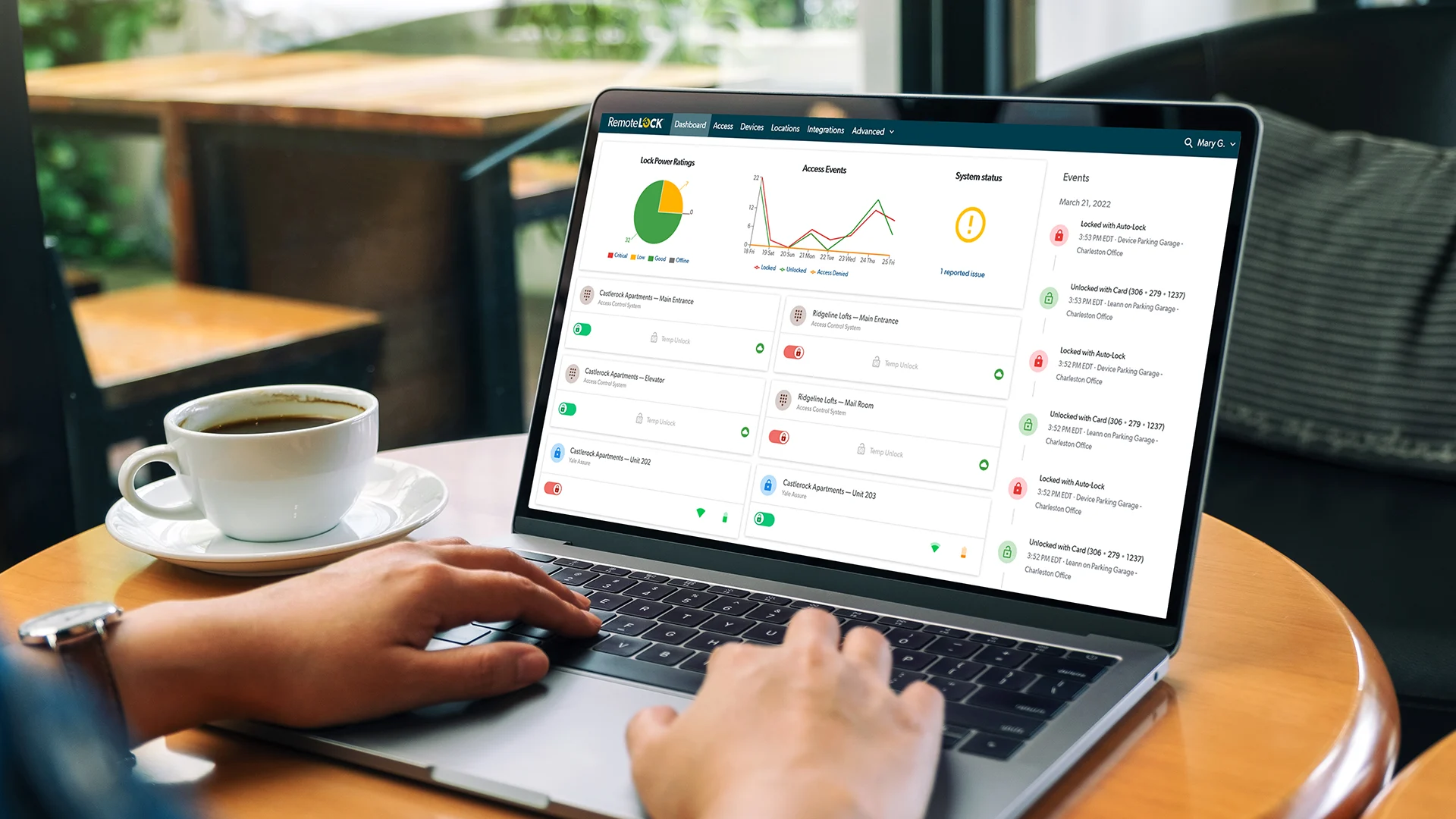
Property technology (proptech) has revolutionized how multifamily and vacation rental properties are managed, streamlining operations and enhancing resident and guest experiences. However, managers need to be proactive to ensure that smart locks, connectivity devices, and other essential systems remain functional. By implementing a few strategic measures, property managers can avoid disruptions and maintain smooth operations with minimal oversight.
1. Choose the right smart lock for your property
Selecting the appropriate smart lock ensures longevity and reliability. Different properties require different lock types based on climate, door material, and security needs. For example, a beachfront rental may require a lock with enhanced weather resistance, while a multifamily unit with entry through the hallway might prioritize battery life instead. Ensuring compatibility with your existing access control system — including connectivity type, number of codes, and other factors — is also crucial for seamless integration and management.
2. Monitor battery levels with RemoteLock alerts
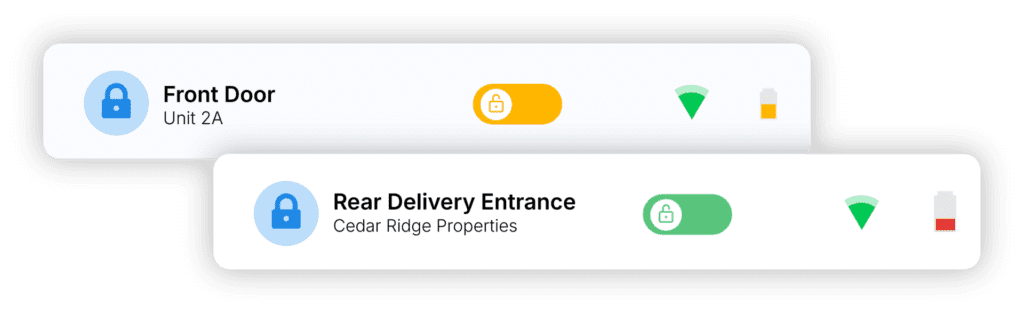
Smart locks rely on battery power, and a dead battery can result in resident or guest lockouts. RemoteLock’s dashboard, which allows you to monitor the battery status of all your locks in one central view, helps prevent operational disruptions and ensures continuous access control functionality.
Smarter multifamily operations start here
Get the latest on resident apps, access automation, and tools to streamline your property in your inbox.
When batteries are low, automated low-battery alerts allow property managers to proactively replace or charge batteries before they fail. As a bonus, RemoteLock also sends notifications when the battery is charged or replaced, ensuring that maintenance is properly performed when needed.
3. Track connectivity issues in real time
Reliable connectivity — Wi-Fi, Z-Wave, or Bluetooth — is essential for smart lock performance and other proptech systems. RemoteLock’s platform includes alerts for connectivity losses, notifying property managers when a device goes offline.
These alerts help diagnose network issues early, enabling quick troubleshooting and minimizing downtime. If your locks operate on Wi-Fi, investing in a high-quality router and ensuring strong Wi-Fi coverage throughout the property can further prevent connectivity-related disruptions. Managers can also configure RemoteLock to send notifications when connectivity is restored.
On properties where site-wide Wi-Fi is impractical, Z-Wave locks can offer better range, connectivity, and battery life by connecting to a central hub. If your smart locks struggle to maintain a Wi-Fi connection, Z-Wave might offer a useful solution.
4. Implement battery backups for routers and modems
A power outage can render smart devices ineffective if internet connectivity is lost. Installing battery backups for routers and modems ensures that access control systems remain operational even during temporary power failures (assuming your ISP isn’t experiencing an outage).
An uninterruptible power supply (UPS) can provide several hours of backup power, keeping internet connectivity online — and keeping your RemoteLock devices connected — until the primary power source is restored.
5. Regularly audit and update proptech systems
Software updates and routine system checks are essential for maintaining optimal performance. Regular audits of smart locks, access codes, and integrated property management software can help identify potential vulnerabilities or outdated firmware that may need updating. Establishing a maintenance schedule ensures that all devices operate at peak efficiency and comply with the latest security protocols.By taking these proactive steps, property managers can minimize manual intervention and maintain reliable, secure access control across their properties. RemoteLock’s real-time monitoring and automation capabilities further simplify property management, allowing operators to focus on delivering a seamless experience for residents and guests.
Manage Your Tech Today
See how RemoteLock works for multifamily
Explore solutions built for apartments, resident access, and property-wide operations.

RemoteLock has been automating access control and improving on-site property operations efficiencies across multiple industries, including vacation rental and multifamily, for more than ten years. As a leading access-centered property operations software platform provider with more than 10,000 customers in 75+ countries, RemoteLock helps property managers enable, control, and automate access and climate control across their portfolio. RemoteLock’s platform saves property managers time and money through the elimination of tasks for onsite staff and helps scale businesses with greater confidence. It is differentiated by its dozens of integrations with applicable hardware and business software systems for an easy-to-use, turn-key solution.
Access that Works Everywhere
One flexible platform built to support modern properties, no matter who needs access or how your portfolio scales

Interested in learning more?
Explore blogs, webinars, and videos related to what you just read

When the internet drops, your guest still needs to get in
The 6am delivery problem: giving vendors access without giving up control
What actually happens when a patron reserves a study room