Let your software run the doors
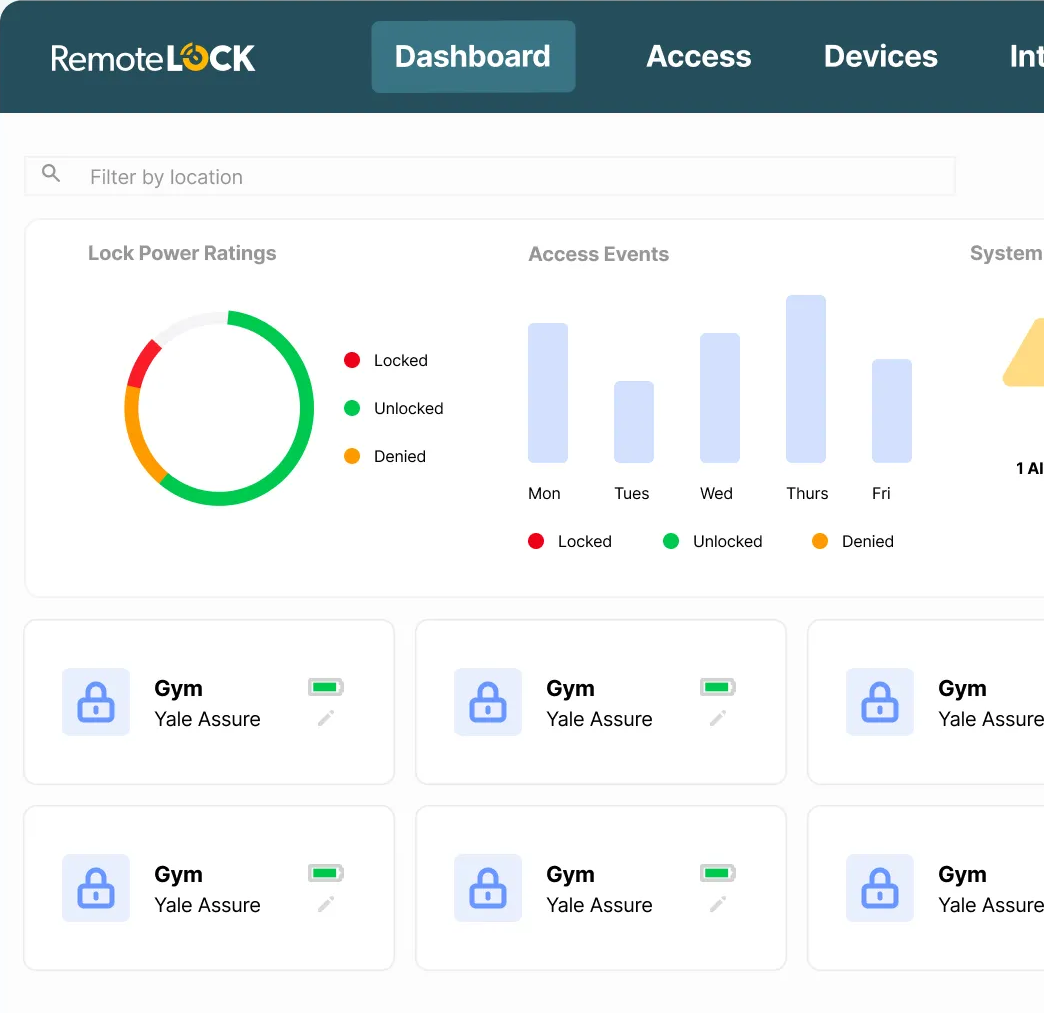
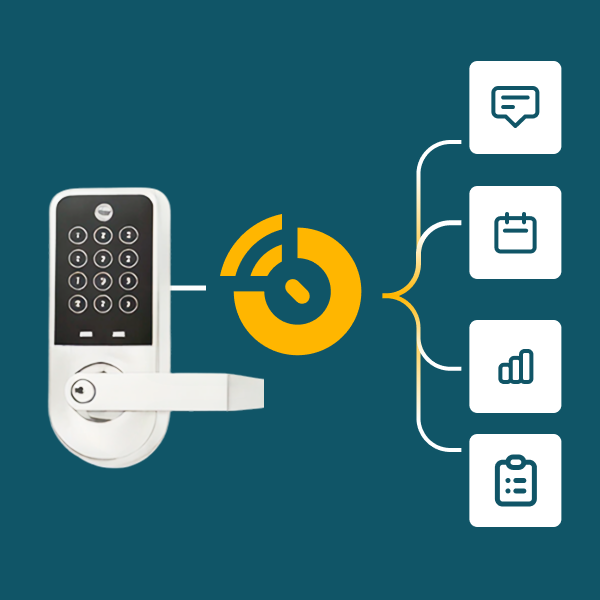
Connect RemoteLock to the PMS, property management, workplace and booking tools you already use. Events in those systems create, update and revoke access automatically, so nobody re-enters a code by hand.
Works with the systems you already run
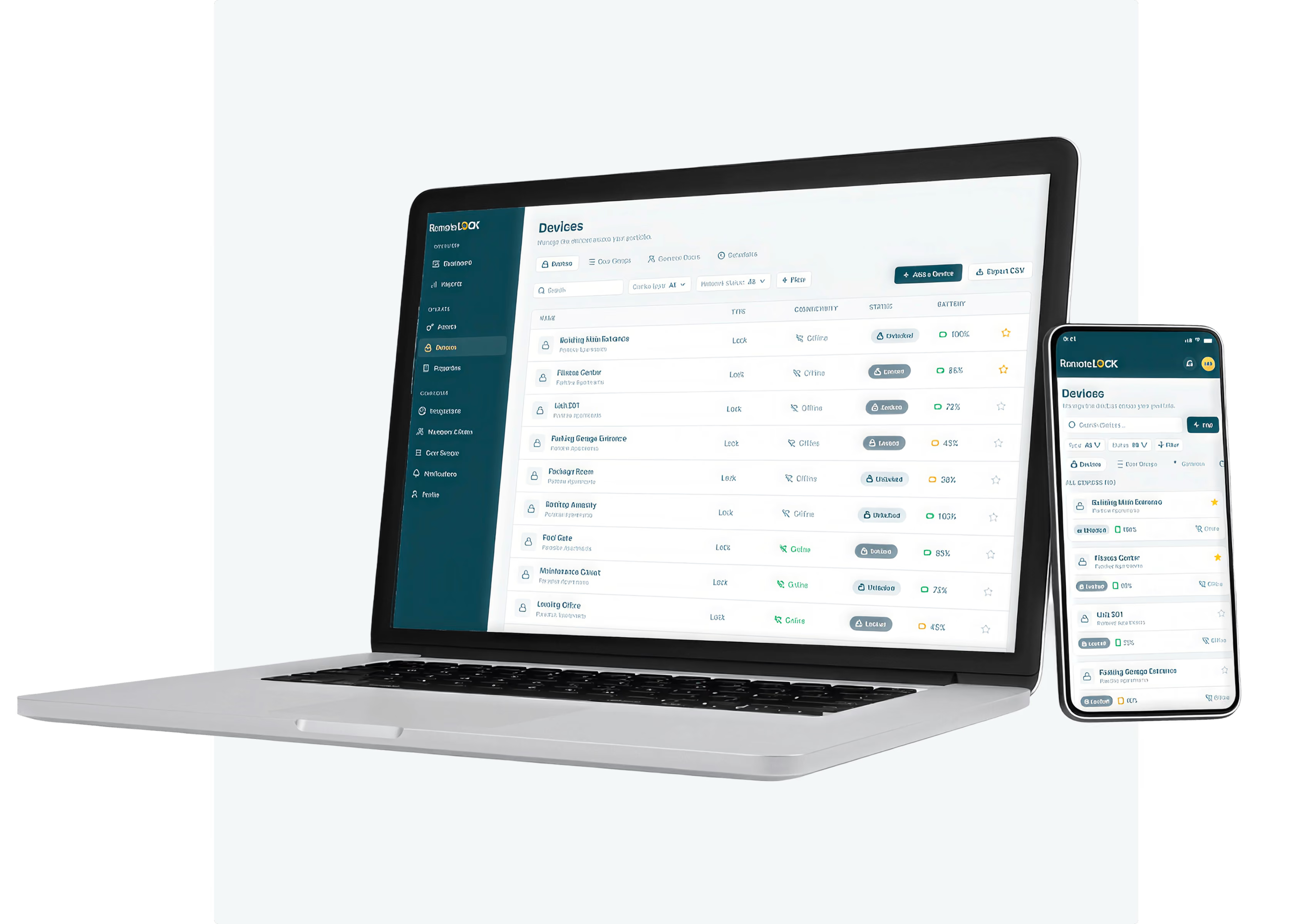
Connect property management, PMS and channel managers, workplace and visitor tools, and booking platforms. Reservations, leases and schedules flow into RemoteLock and become access, with no manual steps in between.
Every change in your software, reflected at the door
When a booking moves, a lease ends or a work order closes, access updates to match. Codes go out before arrival, expire on schedule and are logged for every entry.
Need something custom?
If your system isn't in the integrations directory, connect it yourself with the RemoteLock API and webhooks. See the Developer Platform for docs, SDKs and test devices.
Automations, organized by workflow
Start from the event your team already tracks. RemoteLock handles the access that follows.
Booking → guest code
A confirmed reservation creates a guest code for the stay, and a date change updates it automatically.
Lease ends → access revoked
Move-out in your property management system removes unit, amenity and entrance access on schedule.
Work order → vendor access
Assigning a job gives the technician time-bound access, and closing it ends access.

Save time and money with enhanced automation


Access beyond the lock
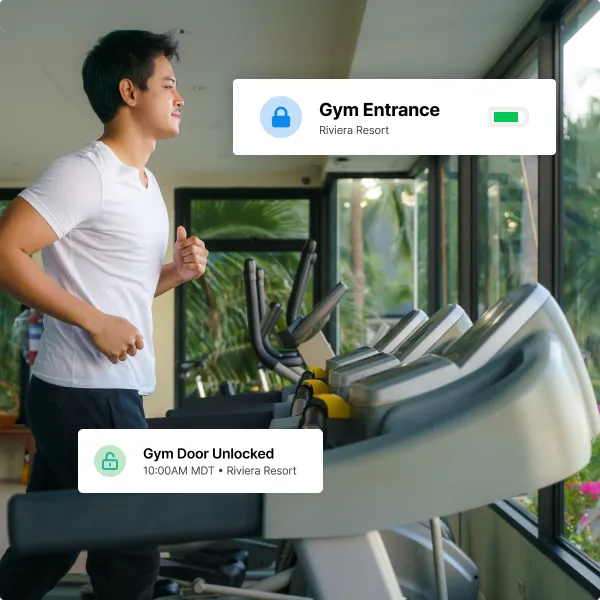
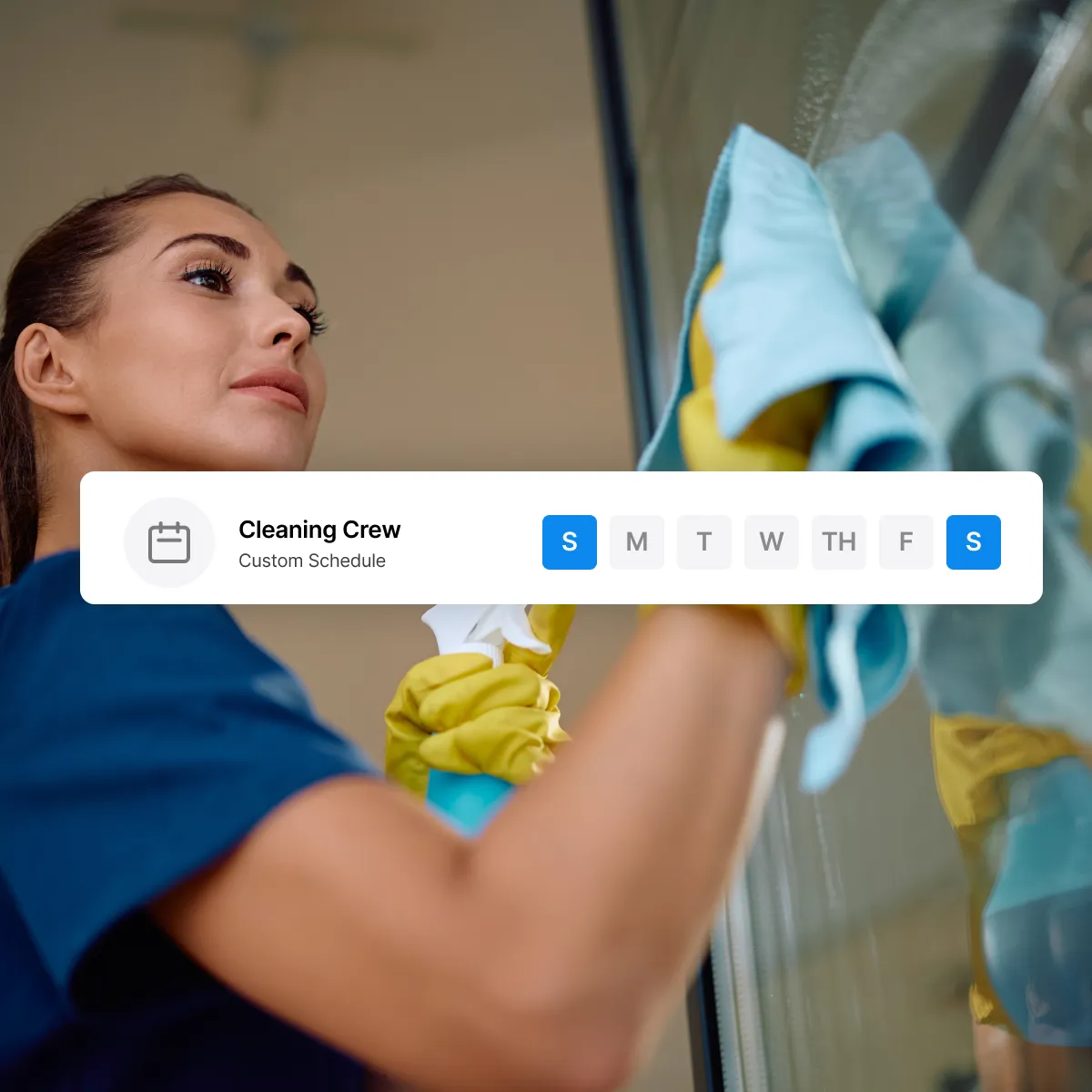
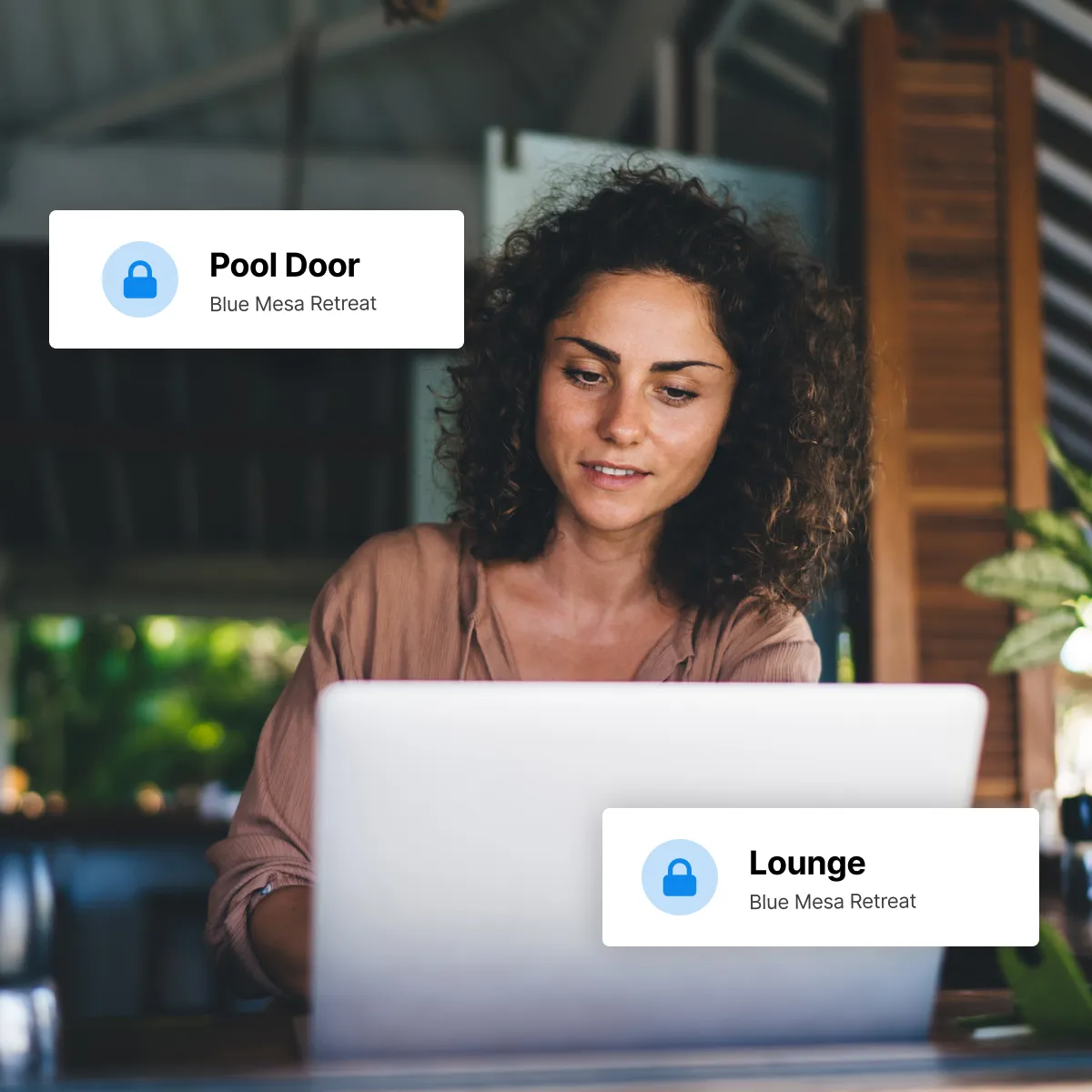
Expand the capabilities of your access control system by integrating with popular property management systems to add automatic booking, housekeeping, and more.

















Protect your properties and your peace of mind
Thermostats

Water leak detection

White labeled guest experience
Don’t take our word for it.


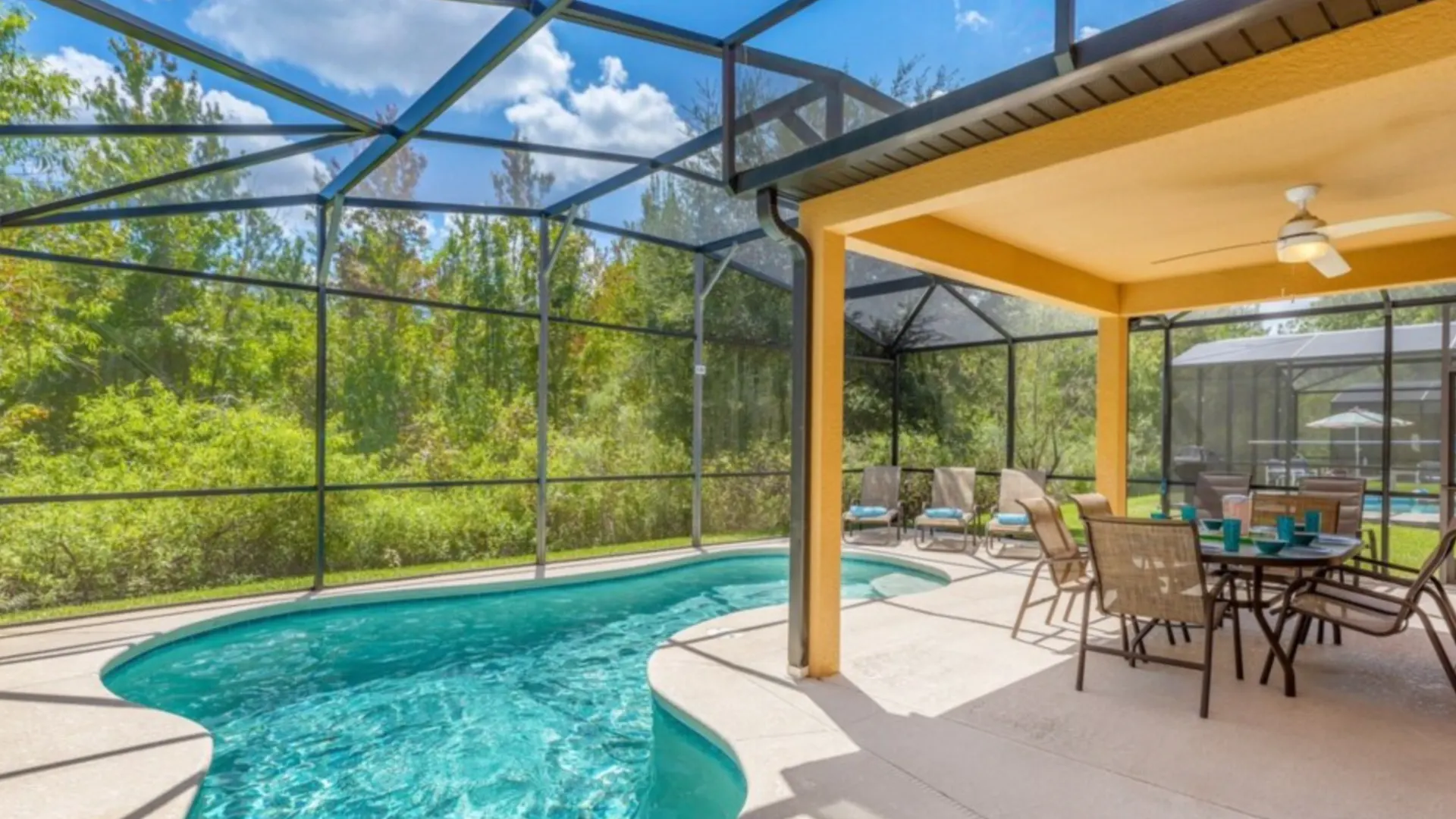
How One Vacation Rental Company Scales Smarter with RemoteLock
"It gives us total control over who enters any property. That's not something you can say with keys or even traditional smart locks. The system just works — and it keeps getting better."
How This Luxury Rental Company Maximized Guest Experience with RemoteLock + Escapia
"Guests check in directly at their rental without waiting at the office. The convenience of self check-in and the operational ease for managers and staff are quickly becoming expected standards."



Commonly asked questions
Answers to common questions about RemoteLock integrations, supported software and automated access workflows.
There are several factors to consider when choosing a smart lock for a vacation rental property. First, consider ease of use for your guests; a lock with a PIN code is easier for guests to use without having to pick up a key or fob from a manager before checking in. You’ll want a durable lock for added security and a longer lifespan. If your property is in a location you don’t often visit, battery life might also be a priority.
As many as you want. Whether you're managing a single vacation rental property or dozens of properties all over the world, you can unify access control to all of them with RemoteLock's dashboard.
Absolutely. One of the most useful features is the ability to unify access control across multiple hardware options, at any number of doors, locations, and properties. You can mix and match any number of compatible locks from well-known manufacturers and still create unified access rules, user settings, and schedules.
Of course! With our enterprise plan, you can assign privileges on your RemoteLock account in any way you need. With multiple levels of control, you can grant specific access control options to any number of managers, staff, and users.
If you want your property manager to be able to add and remove users, but not locks, you can easily configure that setting. You can configure your account so that front desk staff can grant temporary codes to delivery workers and contractors, but not change residents’ access settings. You can even ensure that staff at one property can’t change settings at another property.
In addition to traditional front door locks, RemoteLock can be configured to manage more unorthodox points of entry like elevators, parking garages, magnetic locks, and glass doors.
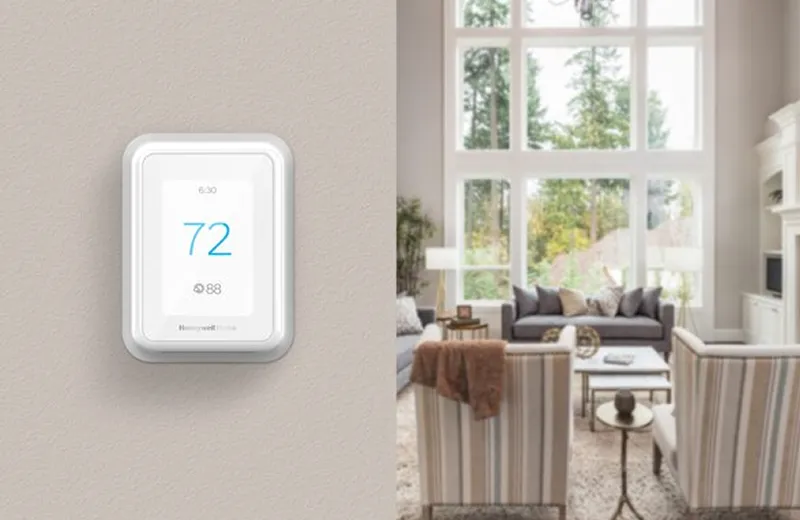
RemoteLock also has the ability to remotely manage and control thermostats. Property owners and managers can ensure that they’re not wasting heat or cooling on an empty unit or even adjust the temperature a few hours before guests arrive so that they’re walking into a comfortable room.
Traditional physical keys can be easily copied, passed on to others, or lost, adding hassle and cost to your property management. They also afford owners zero visibility. There’s no way to see who used a key or when.
Smart locks paired with access control software don’t rely on physical keys. With RemoteLock, you see who has entered your property and when. You can also set up alerts for failed access attempts. Best of all, you can easily revoke access in just a few clicks from your dashboard or set up codes to expire automatically as soon as your guests’ stay ends.

Learn more about vacation rental
Explore our blogs, whitepapers, webinars, and other resources