Software update: configuring access roles and permissions



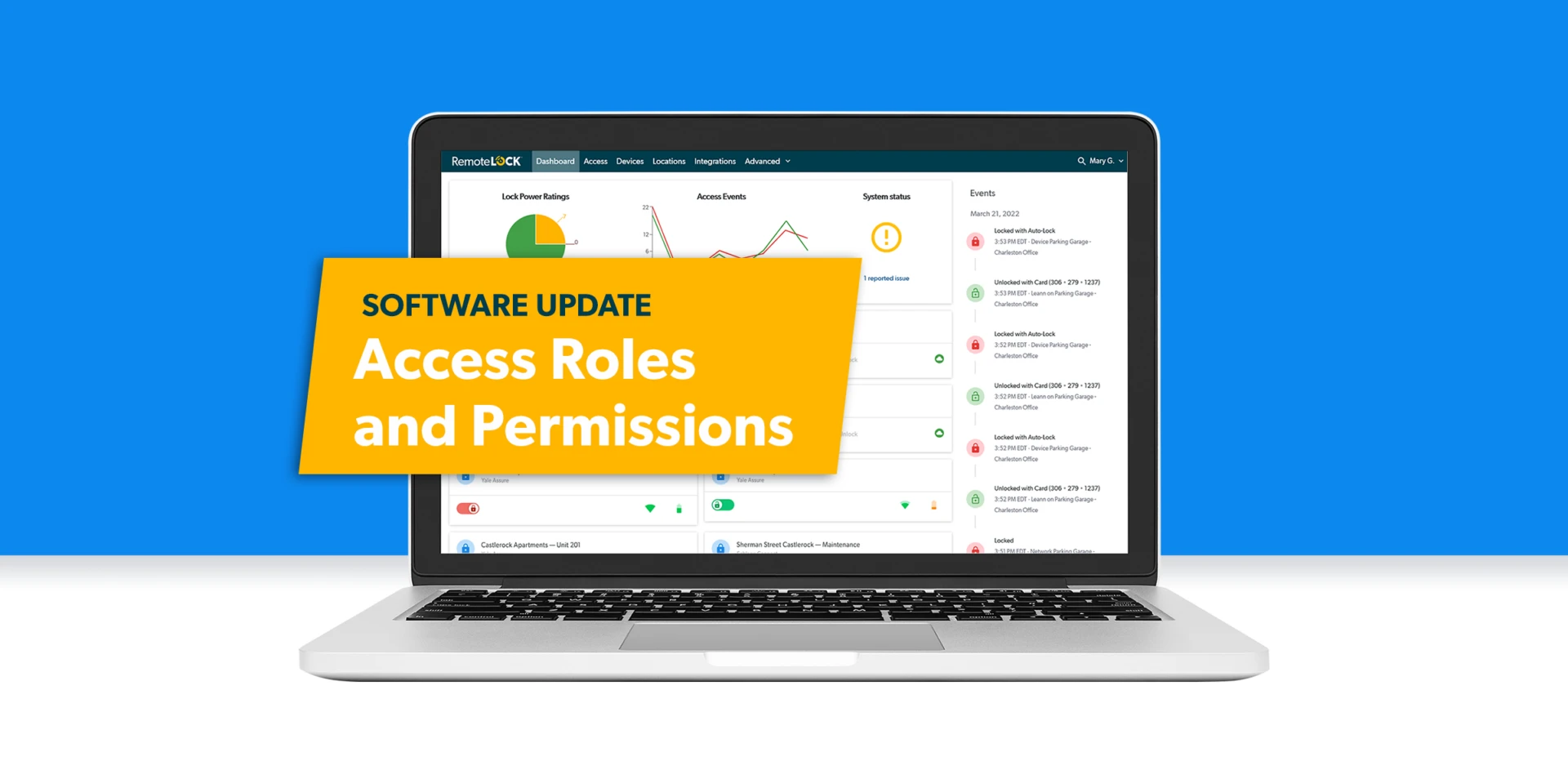
Configuring access roles and permissions just got easier
Ready to make managing your access control account even easier within RemoteLock? Starting today, you have more options than ever when assigning roles and permissions in your account. You are now able to fine-tune what each administrator can and can’t do, giving you greater customization of admin permissions.
Customize Admin Roles
Add, edit or delete custom roles within RemoteLock’s software with even more granularity. Leasing professionals, maintenance teams and property managers all have different needs within any access control platform. With this enhanced ability to create custom roles that enable only the permissions necessary, your team is empowered to meet the demands of their jobs without having access to any of the sensitive information about property access control they don’t need.
Stay connected to the latest in hospitality access
Get insights on guest experience, integrations, and property operations delivered to your inbox.
Configure Role Permissions
Easily configure which software capabilities are available to any custom-defined role. With more enhanced permission options, you have the flexibility to decide who can view, add or edit critical data for your property or facility such as PIN codes and card credentials for users and guests, device management, software integrations, property details and everything in between.

Manage Members
Provides the user with the ability to add, edit, and delete a member.
See Pin Codes
Provides the user with the ability to view pin codes.

Manage Roles
Provides the user with the ability to add, edit, and delete a role.
See Card Credentials
Provides the user with the ability to view card credentials.
The updated Roles and Permissions feature allows you to give your team the visibility they need to do their jobs efficiently without compromising the security of your property’s data. From complete system administration to simple, everyday access needs, you are in total control of what information your staff can view and edit.
That’s just one more way RemoteLock is making managing access control even more convenient, efficient and secure. Count on more new features and enhancements like this one, based on feedback from customers like you, as we continue to advance the industry’s first universal access control platform.
This feature is already live in your RemoteLock account under the Members & Roles menu, so give it a try today. To take a deeper dive into how it works, check out the support resources below.
Talk to an expert
Get a personalized walkthrough of RemoteLock for your boutique property.

With extensive experience in security, biometrics, mobile access, RFID and more, Daniel is the leading advocate and visionary for RemoteLock’s new and existing products. Having previously worked at both startups and Fortune 25 organizations, he maintains a passion for inventing only what needs to be new and finding ways to repurpose the good work of others for the rest.
Access that Works Everywhere
One flexible platform built to support modern properties, no matter who needs access or how your portfolio scales

Interested in learning more?
Explore blogs, webinars, and videos related to what you just read

When the internet drops, your guest still needs to get in
The 6am delivery problem: giving vendors access without giving up control
What actually happens when a patron reserves a study room