What Is Virtual Intercom? A Smarter Way to Manage Building Entry


Every multifamily property has a front door problem. Someone shows up, whether it’s a delivery driver, a friend, or a maintenance tech, and the resident has to decide whether to let them in. In older buildings, that decision happens blindly. A buzzer sounds, the resident presses a button, and the door opens with no idea who actually walked through it.
For property managers trying to improve multifamily security, that’s a gap that’s hard to ignore. Traditional buzzer systems offer zero visibility into who’s entering the building, no audit trail, and no way for residents to verify a visitor’s identity before granting access. And while hardware-based intercom systems solve some of those issues, they introduce a new set of challenges that many properties aren’t ready to take on.
That’s where Virtual Intercom comes in.
A Fully Software-Based Intercom, No Hardware Required
Virtual Intercom is a new RemoteLock feature that turns any network-capable common door into a smart building entry point, without installing a single intercom panel. When a visitor arrives, they scan a QR code posted at the entrance. A branded building directory appears on their phone, right in the browser. They search for a resident by name or unit, identify themselves with a short voice message or a live video call, and wait for the resident to grant or deny access.
The entire experience runs on the visitor’s phone. No app download, no special hardware, no construction project. For properties already using RemoteLock to manage access across every door, it’s a natural extension of the platform.
What the Guest Experience Looks Like
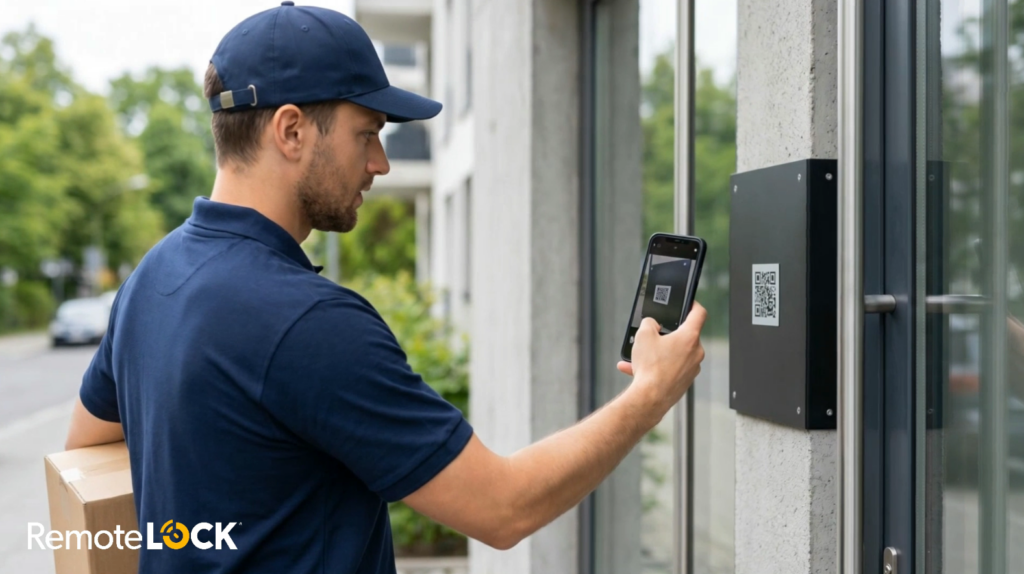
From the visitor’s perspective, the process is simple and intuitive. They approach the building, scan the QR code with their phone’s camera, and the property’s directory loads in their browser. They find the resident they’re looking for and record a quick greeting (“Hi, it’s Marcus from FedEx, I have a package”) or, in video mode, initiate a live audio and video call.
While the resident is notified, the visitor sees a real-time status screen. Once the resident responds, the visitor sees either “Access Granted” or “Access Denied” on their device. If the resident doesn’t answer, the visitor can leave a message that the resident can play back later.
No login, no account creation, no friction. The visitor shows up, identifies themselves, and moves on.
What the Resident Experience Looks Like
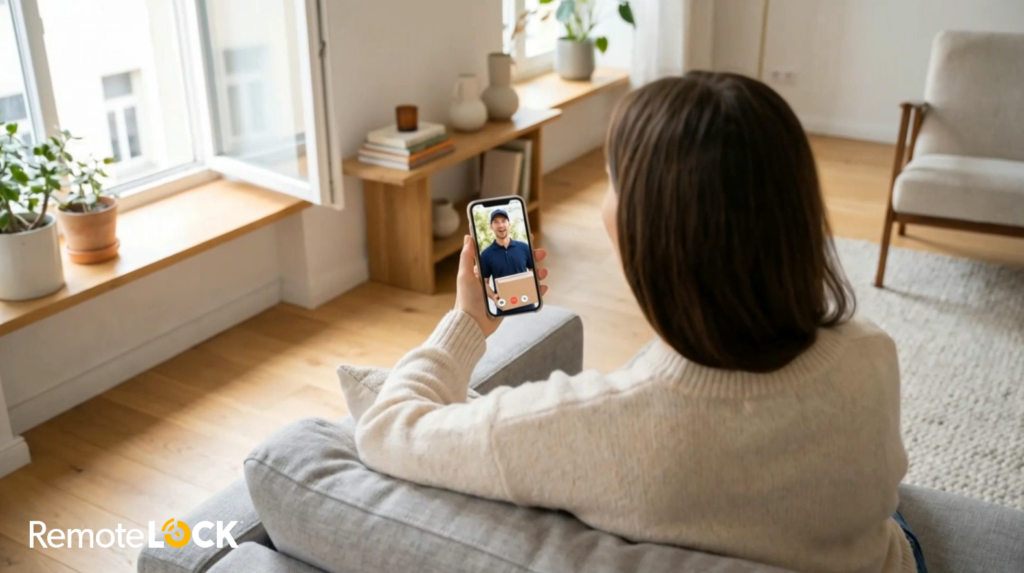
How residents interact with Virtual Intercom depends on which mode the property uses.
In phone mode, the resident receives a phone call. The system plays back the visitor’s recorded greeting, and the resident presses 1 to grant access or 2 to deny. It’s as straightforward as answering a call, and it works on any phone without any setup.
In video mode, the resident receives a push notification (or an SMS link if they haven’t set up the web app). Tapping it opens a secure browser-based interface where the resident can see and hear the visitor live. The visitor, importantly, does not see the resident. The resident simply taps “Grant Access” or “Deny Access.” It’s the kind of resident experience that feels modern and intentional rather than improvised.
If a resident misses a request, they’re notified and can listen to the visitor’s message later, so nothing slips through the cracks.
Why It Beats Hardware-Based Alternatives
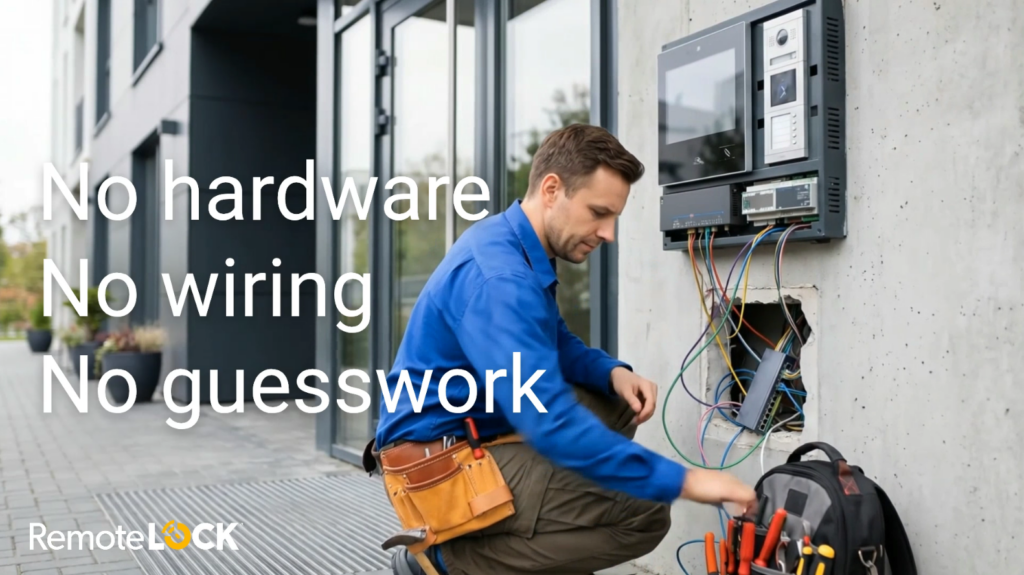
If you’ve looked into hardware intercom systems, you already know the math. Dedicated touchscreen intercom panels typically cost $4,000 to $6,000 per entrance before installation. On top of that, you need wiring, a reliable power source, a strong internet connection at each entry point, and an ongoing subscription. For properties that weren’t originally wired for intercoms, the retrofit alone can turn into a construction project.
Virtual Intercom sidesteps all of that. There’s no panel to install, no wiring to run, and no new infrastructure to maintain. It works with doors already on the RemoteLock platform, which means setup is a configuration task, not an installation project. For property managers weighing the cost of modernizing older buildings, it’s a dramatically simpler path.
And unlike old-school buzzer systems, Virtual Intercom gives residents real information before they make a decision. They can hear who’s at the door. In video mode, they can see them. That matters for everyday scenarios like deliveries, visitors, and contractor visits, not just worst-case security situations.
What Property Managers Get
Beyond the resident and visitor experience, Virtual Intercom gives property managers a set of tools that make building entry easier to manage at scale.
Access events are logged automatically, so there’s always a record of who requested entry and when. The resident directory is fully manageable: residents can be added or removed at any time, and those who prefer not to be listed can opt out. The intercom mode, whether phone or video, is configurable on a property-by-property basis. And the directory itself supports full white-label branding, so the experience looks and feels like it belongs to your property.
For teams already using RemoteLock to manage access beyond the front door, Virtual Intercom fits neatly into the existing workflow. There’s no separate system to learn, no additional vendor to manage, and no new hardware to maintain.
It’s also worth noting that even properties without a network-connected common door can still benefit. In those cases, Virtual Intercom can deliver a short-lived ReadyPIN to the visitor’s phone, giving them temporary access through a keypad instead of a remote unlock.
Real Scenarios, Real Value
Think about the situations that play out at your building’s front door every day. A delivery driver arrives with a package. A contractor shows up for a scheduled repair. A resident’s friend visits for the first time. In each of these cases, Virtual Intercom gives the resident a way to verify who’s there and make an informed decision, all from their phone.
For package deliveries, the courier identifies themselves before entering, and the entry is logged. If a package goes missing, there’s a record of who accessed the building and when. For contractors or maintenance visits, residents or property managers can verify identity before granting access, even if no one is onsite. And for everyday visitors, the experience is seamless: scan, search, identify, wait for approval. No special instructions, no app download, no confusion.
These are the kinds of everyday improvements that modern multifamily residents expect, and they add up to a meaningfully better building experience over time.
A Better Front Door, Without the Construction Project
Virtual Intercom represents a shift in how multifamily properties can think about building entry. Instead of choosing between an outdated buzzer system and an expensive hardware installation, property managers now have a third option: a software-based intercom that’s simple to deploy, easy to manage, and built into the platform they’re already using.
If your property has RemoteLock-managed common doors, getting started is straightforward. And if you’re evaluating intercom solutions and weighing cost against capability, Virtual Intercom is worth a close look.
RemoteLock
Advanced Access Control and More
RemoteLock has been automating access control and improving on-site property operations efficiencies across multiple industries, including vacation rental and multifamily, for more than ten years. As a leading access-centered property operations software platform provider with more than 10,000 customers in 75+ countries, RemoteLock helps property managers enable, control, and automate access and climate control across their portfolio. RemoteLock’s platform saves property managers time and money through the elimination of tasks for onsite staff and helps scale businesses with greater confidence. It is differentiated by its dozens of integrations with applicable hardware and business software systems for an easy-to-use, turn-key solution.